 Back to settings
Signing in to your ShippingHarbor account is a simple process that gives you access to the freight shipping marketplace. Here's what you need to know.
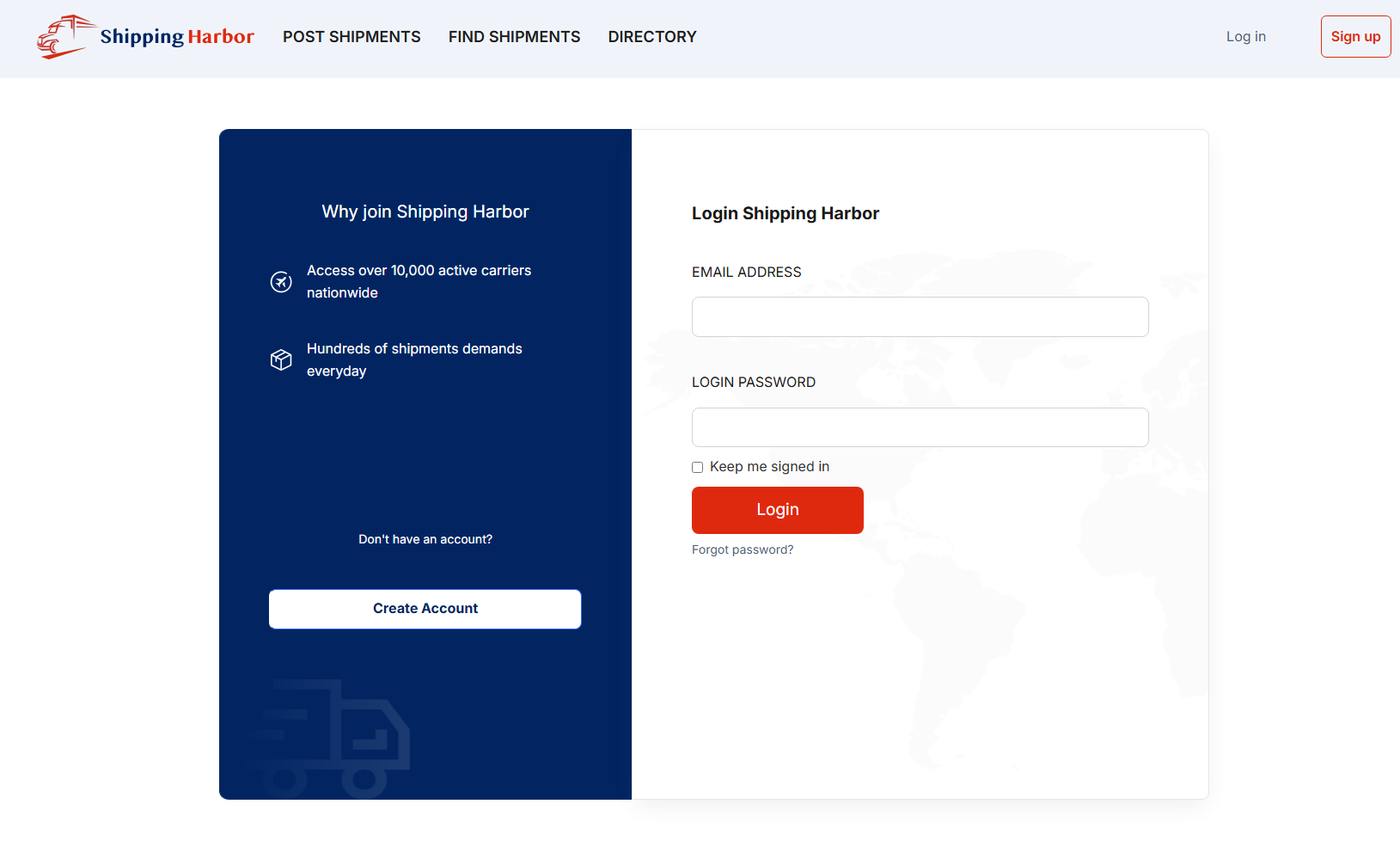
Step-by-Step Sign-In Process
Step 1: Go to the ShippingHarbor Website
Navigate to the official ShippingHarbor website using your web browser.
Step 2: Locate the Sign-In Option
Look for the login or sign-in button, typically located in the top-right corner of the homepage.
Step 3: Enter Your Credentials
Input your registered emaill and password in the appropriate fields.
Step 4: Access Your Dashboard
Once authenticated, you'll be directed to your account dashboard where you can:
List shipping requests
Connect with transportation service providers
Manage freight transactions
Access ShippingHarbor's network spanning over 130 countries
Troubleshooting Sign-In Issues
If you encounter problems signing in:
Forgot your password?: Use the password recovery option on the login page to reset your credentials. The reset link will be sent to your registered email address.
Account-related concerns: If you suspect unauthorized access to your account or have any other security concerns, contact ShippingHarbor support immediately:
Email: support@shippingharbor.com
Account suspension: If you're unable to sign in, your account may have been suspended for providing inaccurate information or failing to comply with platform responsibilities. Contact support to resolve the issue.